
Covers
How to generate AI book covers in Fyrlo
Brief your cover with one strong visual, a clear mood, and an art style—then review it as part of the project.
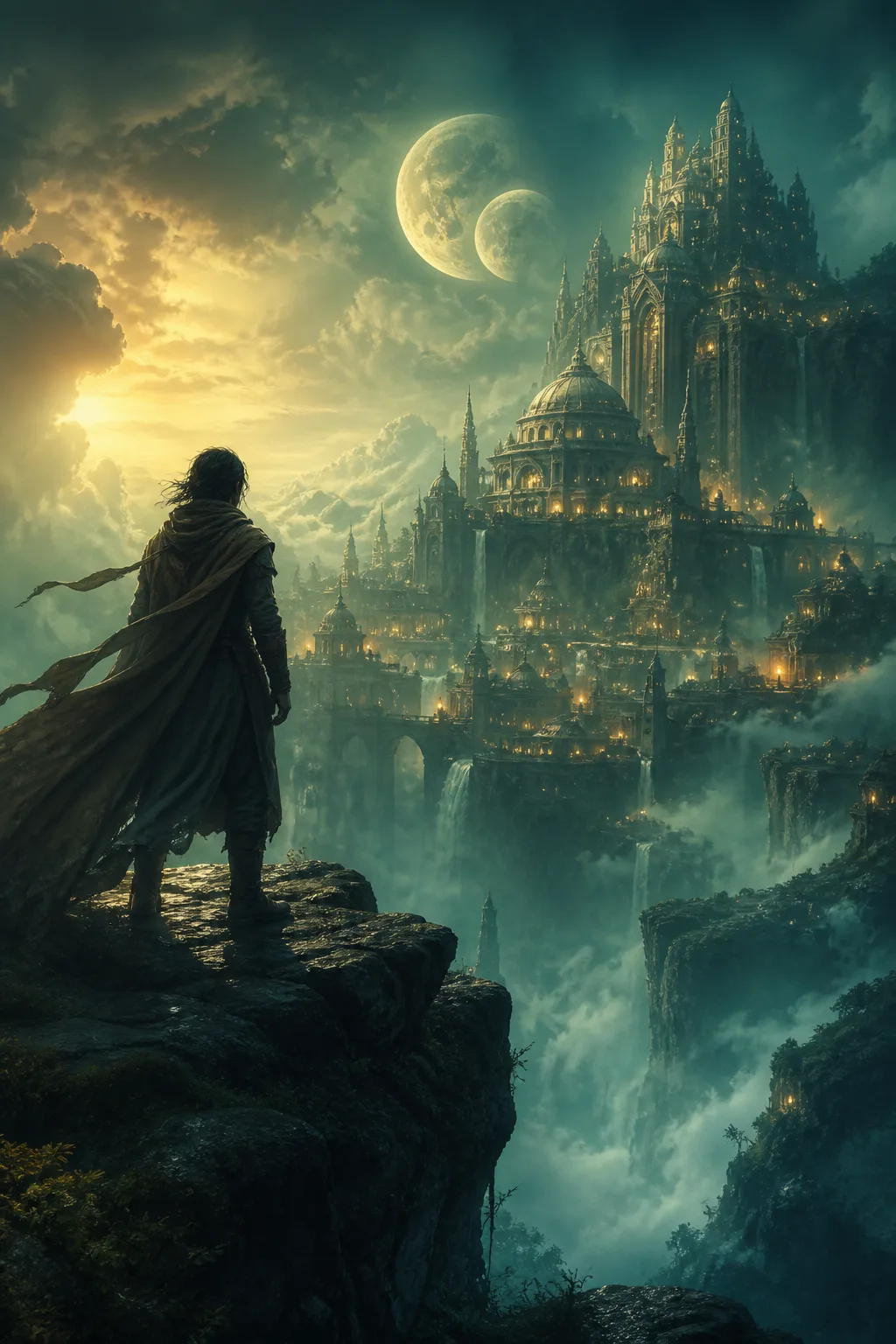
Your cover is the first impression in the library and on exported PDFs. Fyrlo combines project context with the visual description and art style you choose.
Great covers come from focused briefs—not from listing every plot twist.
Before you generate
Confirm the project title and premise first; Fyrlo requires both before AI cover generation.
Decide on one visual subject, the emotional mood, and an art style. The image model intentionally generates the artwork without text; Fyrlo presents it as the project cover.
Writing a cover brief
Strong cover prompts include:
- One focal image (tower, couple silhouette, spaceship, key object)
- Color mood (teal and gold, muted noir, pastel cozy)
- Art style (painterly, anime, cinematic, watercolor, or another available option)
- What to avoid (no faces, no clutter, no modern city)
Review the result
Check whether the image communicates the correct genre and focal subject at thumbnail size. If the mood is wrong, reset the current AI cover and rewrite the brief before generating again.
A preset cover is always a practical alternative when you do not need custom artwork.
Attach and export
Use the generated cover for the project. It appears in the library and can be included when you export a PDF for readers.