
Project
Write the idea in one sentence
Name the protagonist, the immediate situation, and the change that creates the story. This sentence is not marketing copy; it is a working promise you can compare each chapter against.
See prompt examples →How Fyrlo works
Choose the kind of story, shape the premise, add a cover, and write one section at a time. Books also receive an editable chapter plan before drafting begins.
Start with the format
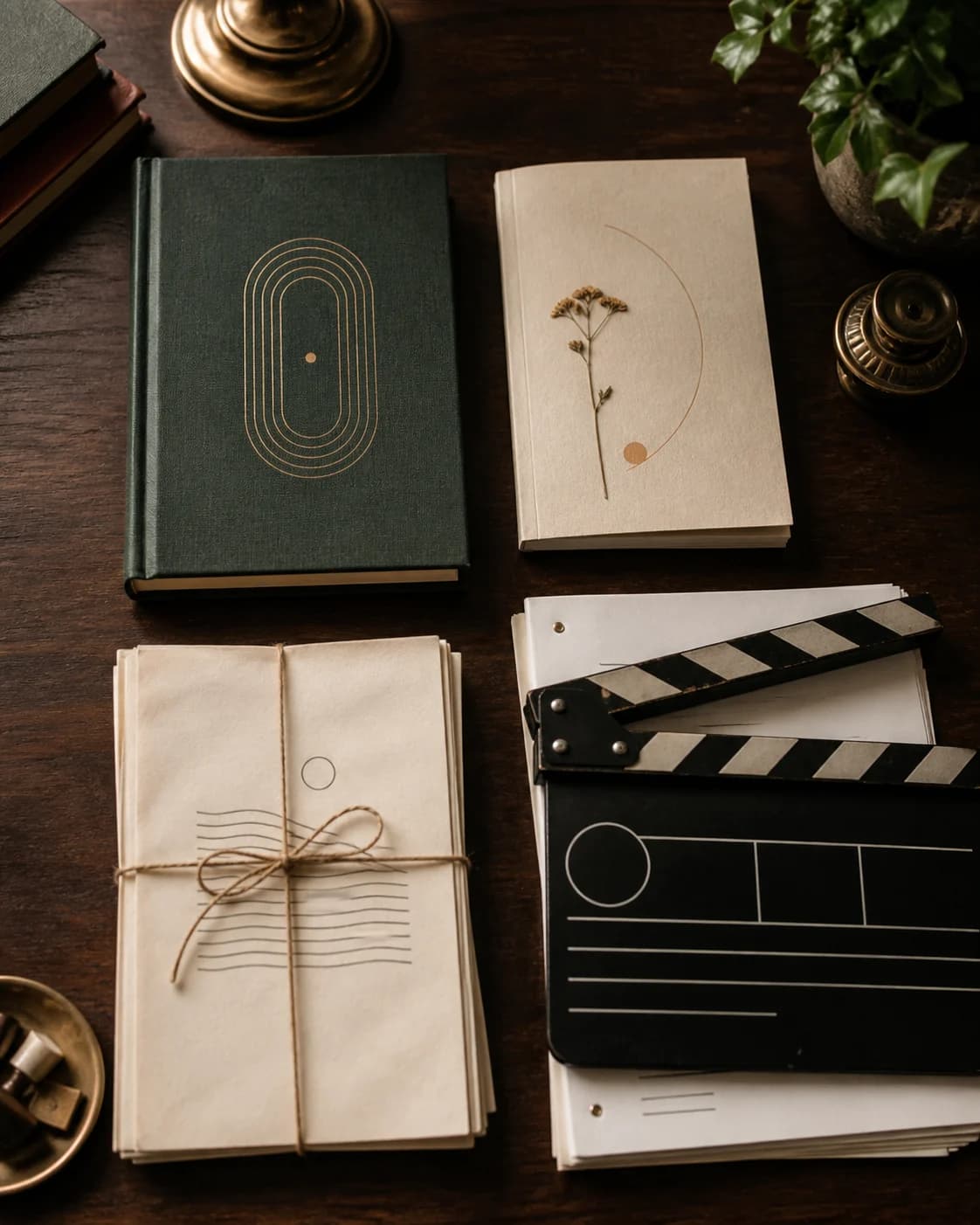
Start a Book, Short Story, Poetry project, or Screenplay. Fyrlo adapts the next questions to that choice so you are not forcing every idea through the same writing template.
Shape the direction
Choose genre and tone, set the length where the format calls for it, and describe the premise or theme. Add character profiles when they will help keep the cast recognizable.
Cover and plan
Choose a preset cover or generate one from your own visual direction. For a Book, Fyrlo then creates an editable chapter plan from the premise, genre, tone, length, and characters.
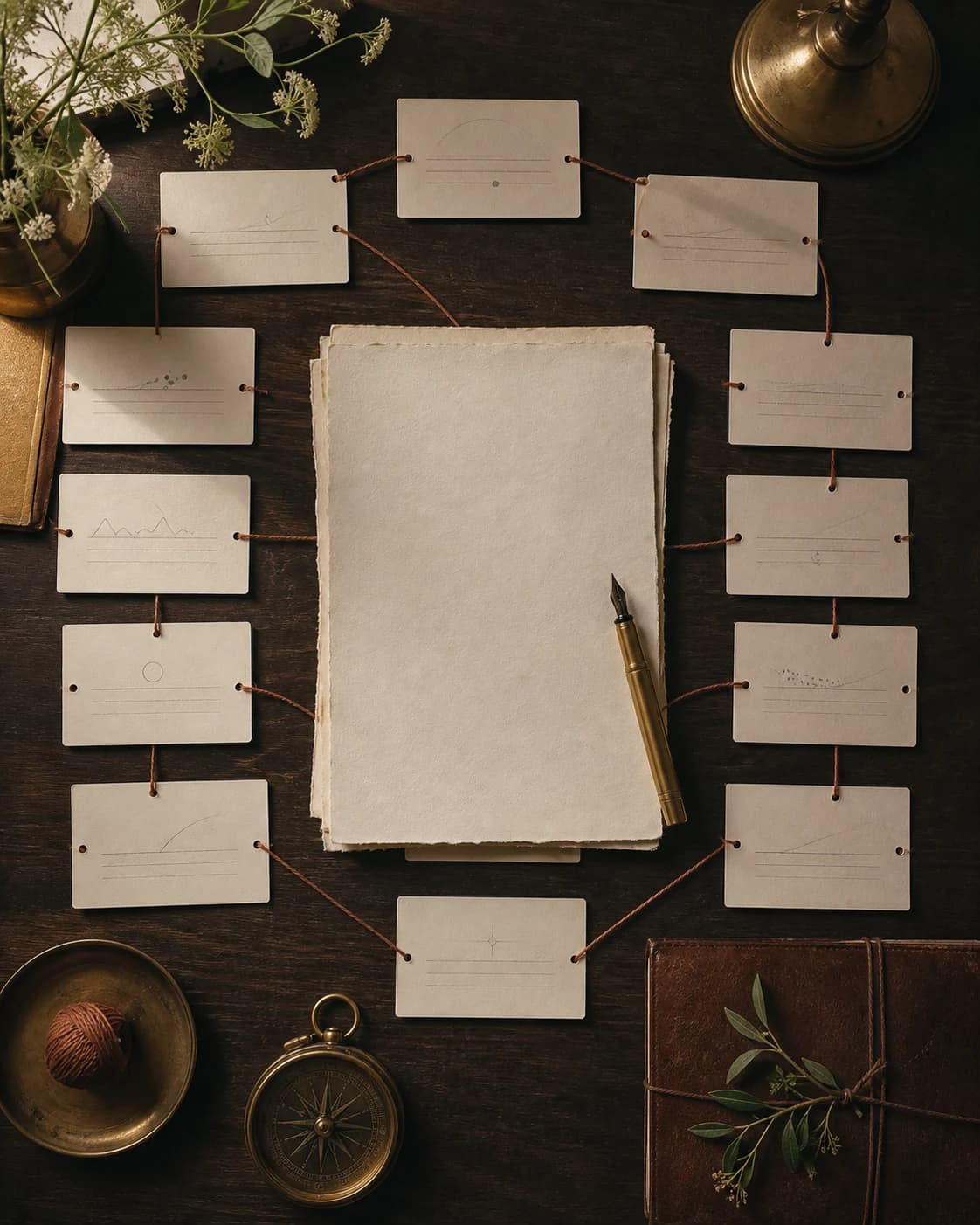
Review the book plan before the first chapter. Change titles, summaries, beats, point of view, or location when the arc needs a clearer route.
Write, edit, continue
Generate the chapter, scene, story, or poem; read it closely; edit the text; and continue only when the direction works. Your projects remain available from the library.
Read inside Fyrlo, share chapter text, or export an individual chapter or the complete project as a PDF when you are ready.
Finish stories chapter by chapter →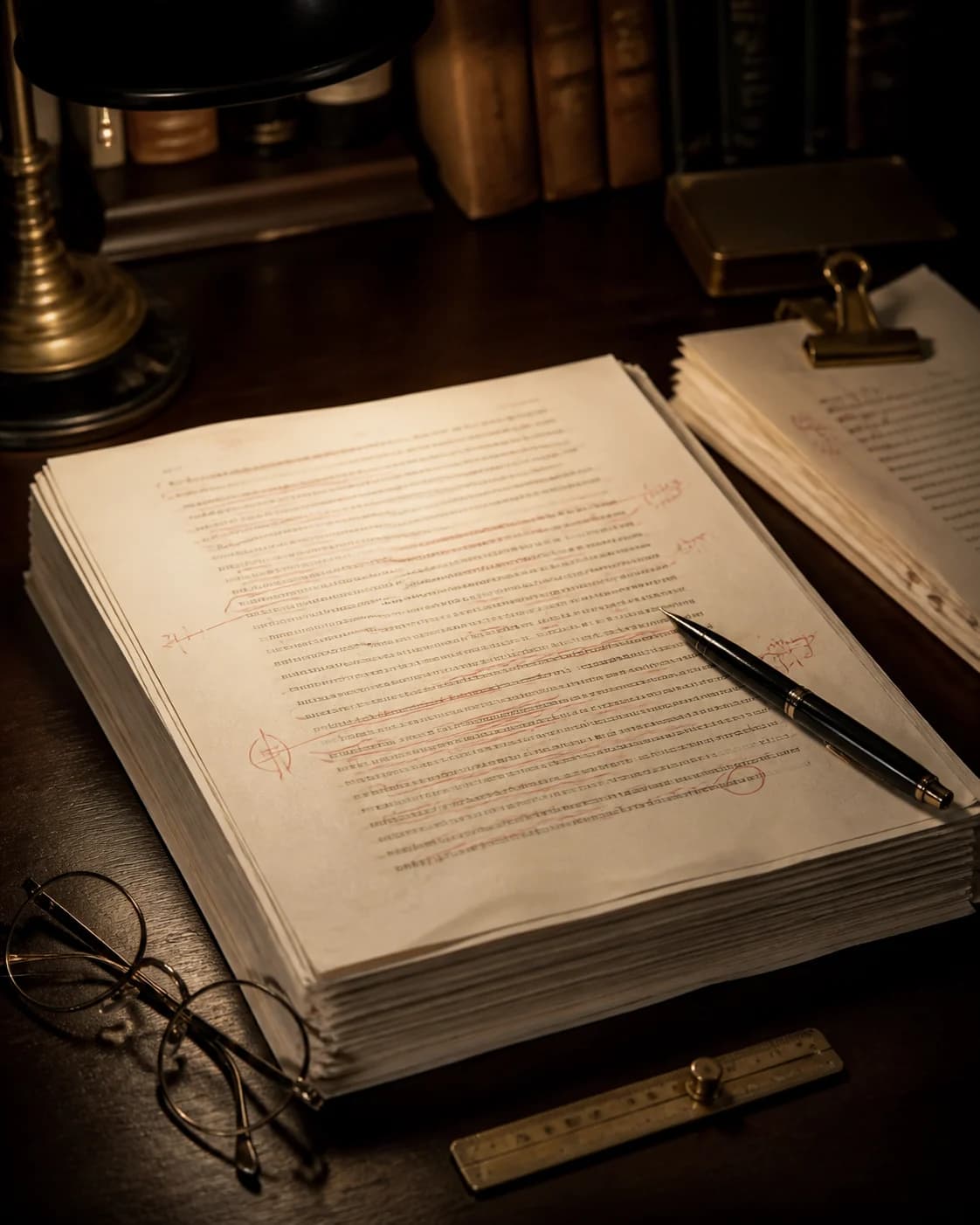
Before the first chapter
Fyrlo can help expand an early idea, but the first generation becomes more useful when you arrive with a small amount of deliberate context. These decisions are enough to begin without over-planning the entire book.
Name the protagonist, the immediate situation, and the change that creates the story. This sentence is not marketing copy; it is a working promise you can compare each chapter against.
See prompt examples →A list of physical details is less helpful than a goal, a pressure, and one contradiction. Those details create decisions on the page and give later chapters something consistent to develop.
Plan memorable characters →Genre suggests the kind of tension and resolution the reader expects. Tone shapes how the prose feels while delivering it. Combining them deliberately prevents a dramatic premise from turning into generic narration.
Compare writing formats →Keep research, personal experience, specialist claims, series canon, and sensitive details under your own review. Put essential constraints into the project context and verify them before sharing the result.
A four-part review
The first reaction to a generated chapter is emotional and immediate. A second, more structured review helps you decide what to keep, regenerate, or continue.
Ask whether the chapter still serves the story you meant to tell. If the draft drifts, tighten the next prompt with a clearer next event.
Compare against your wizard settings for genre and tone rather than judging the text in isolation.
Notice whether goals, voice, and relationships stay consistent. Update character notes when someone changes for a reason.
Inconsistent personalities are easier to fix early than after ten drifting chapters.
Generated drafts often sound finished. Decide whether the appeal comes from plot progress, from prose style, or from both.
This distinction helps you ask for the next chapter you need rather than only prettier sentences.
Write one sentence describing what to preserve and one describing what must happen next. That becomes your continue-writing instruction.
A concise note is easier to use than regenerating without direction.
Plan chapters with AI →Useful test
If you can name the conflict, the character want, and the cliff or turn you need next, Fyrlo already has enough direction to continue well.
Overcome writer’s block with AI →Stronger results
Fyrlo can create a clearer draft when the premise is specific and each continue prompt answers a defined question. A controlled input does not guarantee a perfect chapter, but it reduces vague prose that hides the story you intended.
Reuse the same project settings when you compare regenerations. A new tone, length, or genre midstream can make one option feel better for the wrong reasons.
After generation, read the full section before zooming into sentences. First decide whether the direction is useful. Then edit voice and detail.
Tell Fyrlo what must happen next, what to avoid, and which character should drive the scene. Continuation works best with a clear beat.
Explore continue writing →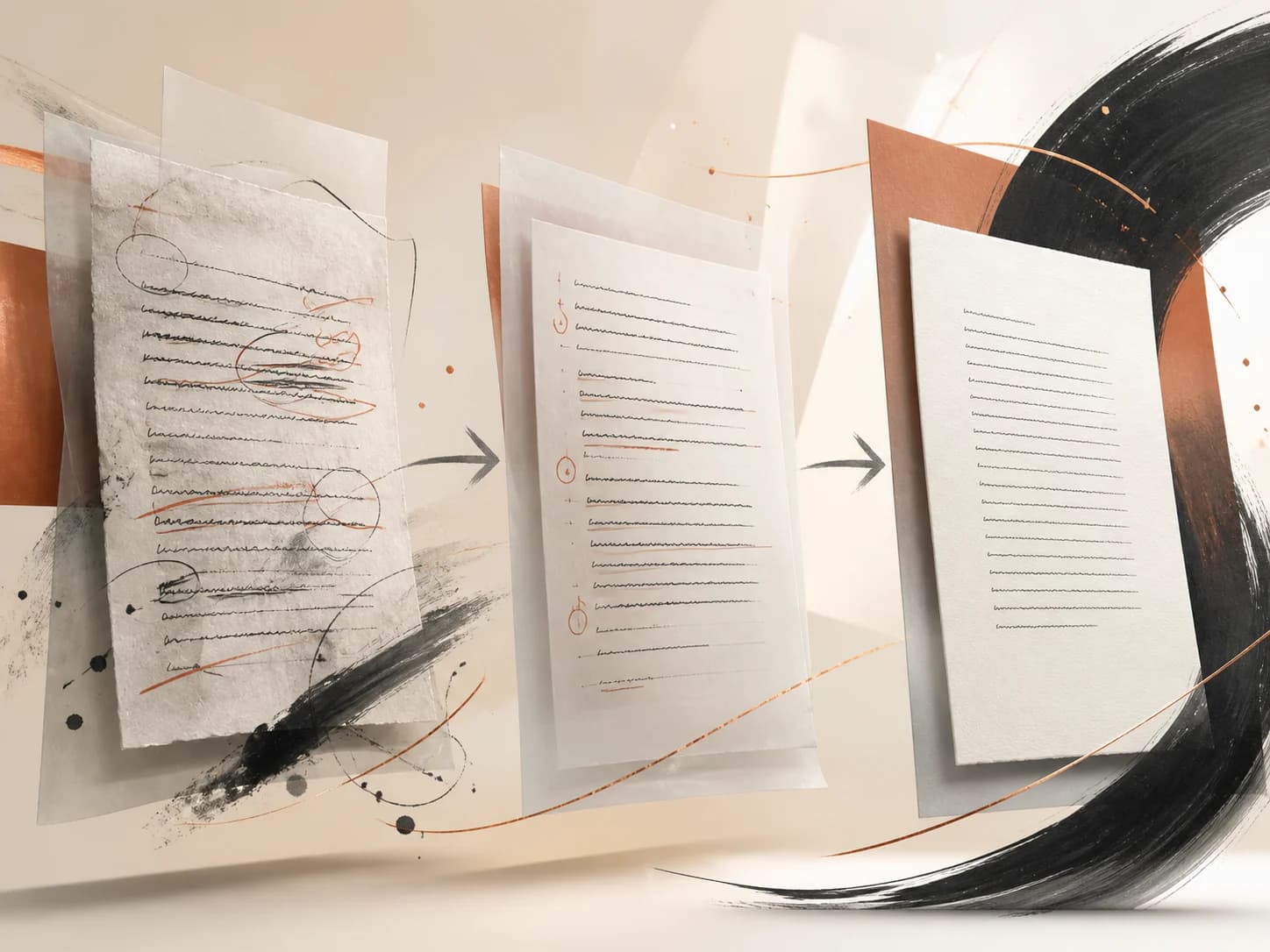
The review gates
A stronger workflow is not simply faster generation. It gives you clear checkpoints before the outline, prose, or presentation becomes expensive to unwind.
Review the premise before the chapter plan, the plan before chapter one, and each saved chapter before continuing. These pauses keep a weak assumption from spreading through the full manuscript and make regeneration a deliberate correction instead of a habit.
At every checkpoint, ask the same three questions: what changed, what should remain, and what must happen next? The answers can become a plan edit, a character note, a manual revision, or a concise continue prompt.
Use the chapter-by-chapter review guide →Confirm the central want, conflict, and tone before expanding the idea into chapters.
Check escalation, point of view, repeated beats, and whether the ending earns the setup.
Edit the saved text and state the next beat before asking Fyrlo to move the story again.
Good to know
You can begin with a device-based profile. Fyrlo also offers optional sign-in with Apple, Google, or email so a project library can be linked to an account.
When you ask Fyrlo to generate a plan, chapter, continuation, story idea, character detail, or cover, the information needed for that request is processed through the app’s cloud and AI services. Avoid including sensitive personal information in prompts.
Generation depends on credits, feature limits, app version, and subscription status. Fyrlo shows your available credits before you generate.
There is currently no Android or browser editor. Fyrlo is distributed through Apple’s App Store and designed for iPhone and iPad. Check the listing for the latest compatibility details on other Apple devices.