
Open your library
Find every Book, Short Story, Poetry collection, and Screenplay you have started—sorted and ready to reopen.
How it works
Find every Book, Short Story, Poetry collection, and Screenplay you have started—sorted and ready to reopen.
Move to the next planned chapter and generate it with the project’s existing story context, then edit before continuing again.
Share or save your manuscript as PDF, complete with cover art if you added one.
Momentum without losing the project
Long-form work needs a reliable way back in. The library shows where you stopped, the editor holds the saved draft, and export gives finished work a way out.
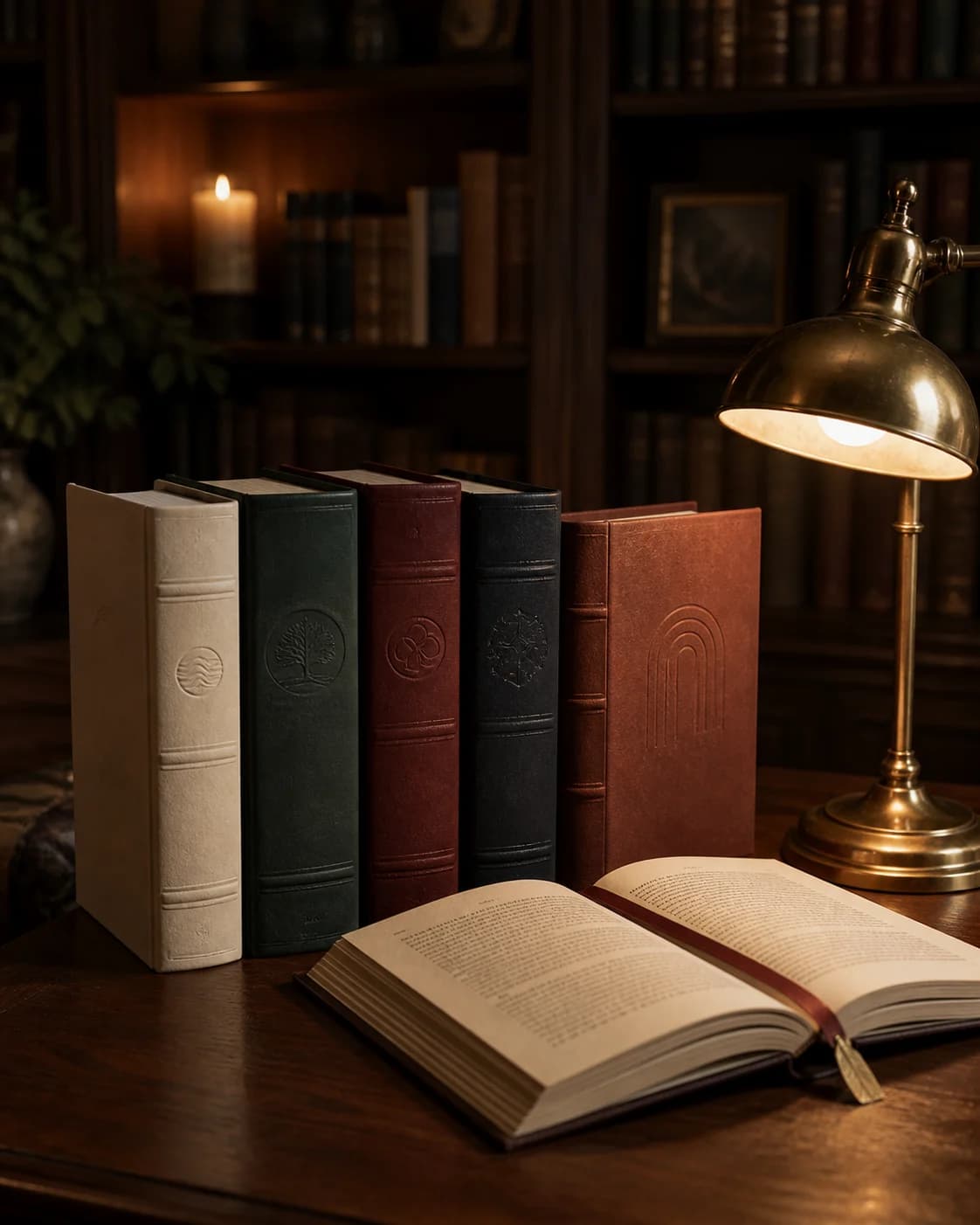 01
01Covers, titles, formats, and progress make the next writing session begin with recognition instead of reconstruction.
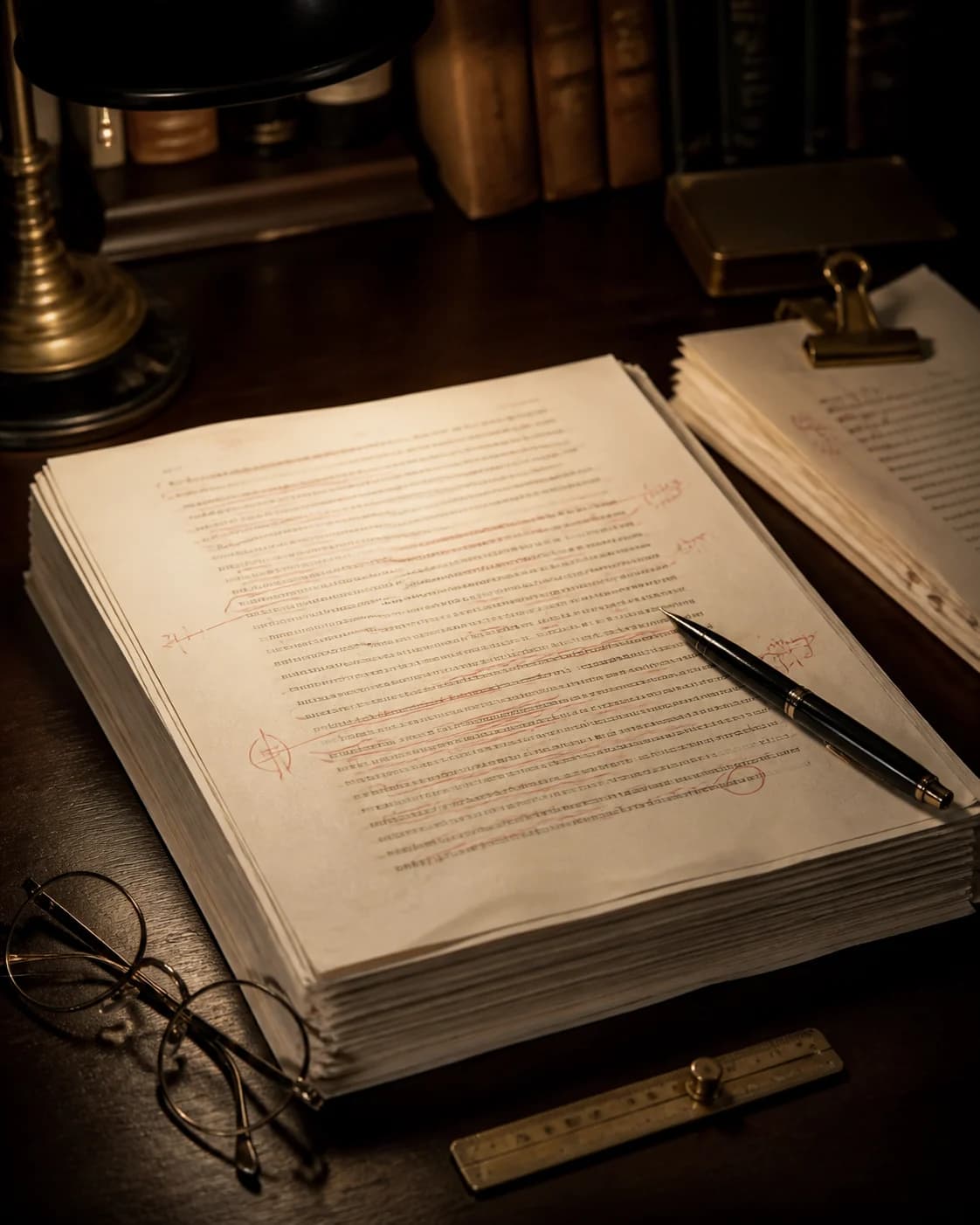 02
02Generate from the existing project context, then edit the saved chapter before asking the story to move again.
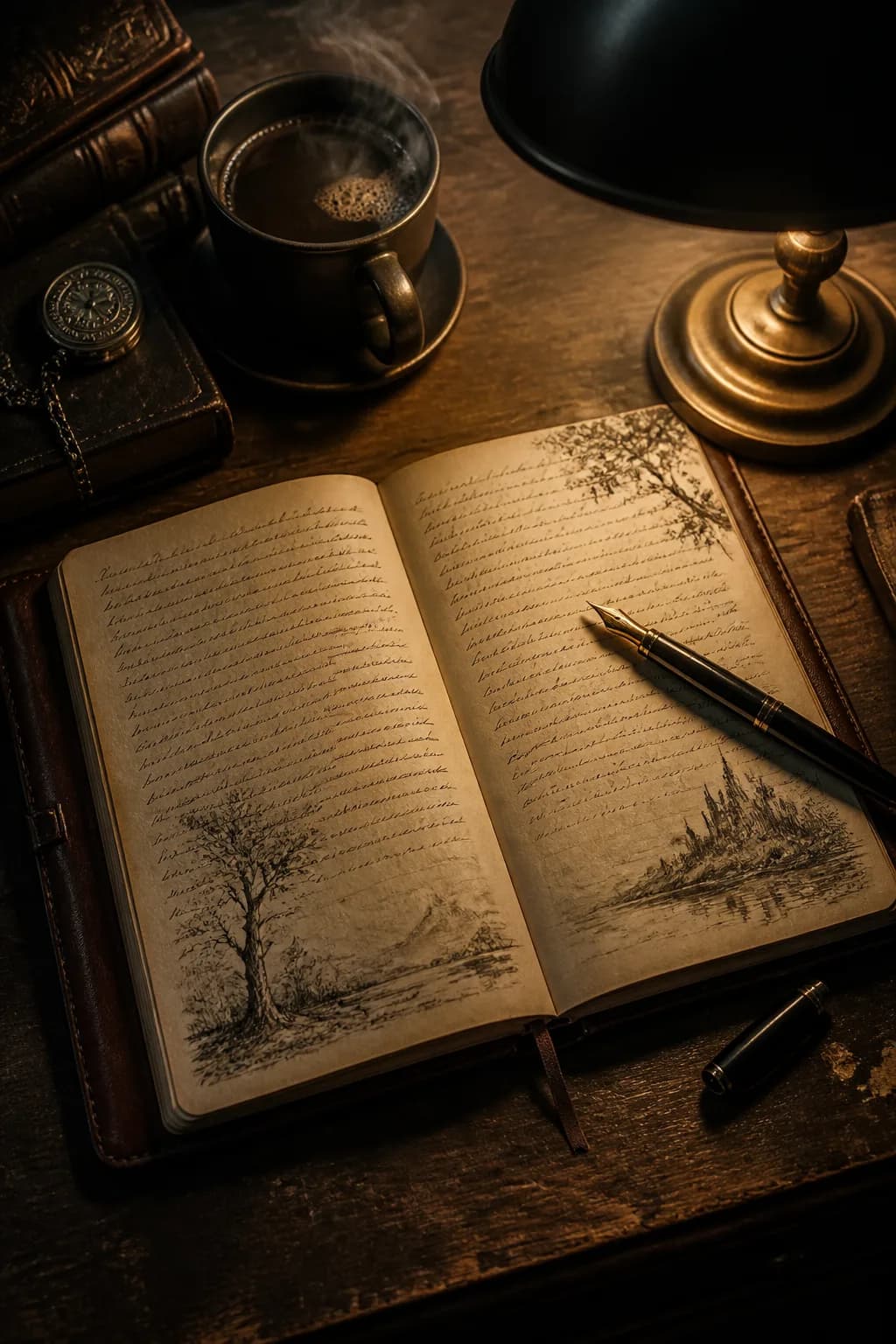 03
03A PDF gives beta readers, writing groups, or your own archive a stable version of the story you chose to keep.
Most books are not written in one sitting. Fyrlo treats every project as ongoing work you can return to days or weeks later without losing place.
Your library shows covers, titles, formats, and progress at a glance. Jump back into a novel, a half-finished screenplay, or a poetry project with one tap.
When you continue writing, Fyrlo uses existing chapters, characters, and plot notes to draft the next section. That reduces contradictions and keeps subplots moving.
If a chapter misfires, regenerate or adjust your prompt before moving on. Fixing one section early is easier than untangling a novel later.
Fyrlo is a creative writing assistant. AI-generated drafts can vary and should be reviewed, edited, and owned by you—not treated as finished manuscripts or professional publishing advice.
Good to know
Yes. Projects stay in your library with all chapters and settings saved. Open the project and continue when you are ready.
Yes. Open a generated chapter in Fyrlo’s editor, change the text, and save your revisions before you continue the story.
Use the export option on a completed or in-progress project. PDF includes your chapters and can include your selected cover.
Generating new chapters uses credits. View your balance in the app before continuing; premium plans offer more generation capacity.